Experience Design and Development
We design and build technology people can touch, play, and explore, with custom interactive exhibits and activations, The TouchFree Interaction Design Studio, and mobile applications.
Experiential Design
Immersive video walls, projection, and interactive installations for brands, venues, exhibits, and events. We design the experience, build the technology, and commission it on site, with a trusted network of developers, animators, and media producers for larger projects.
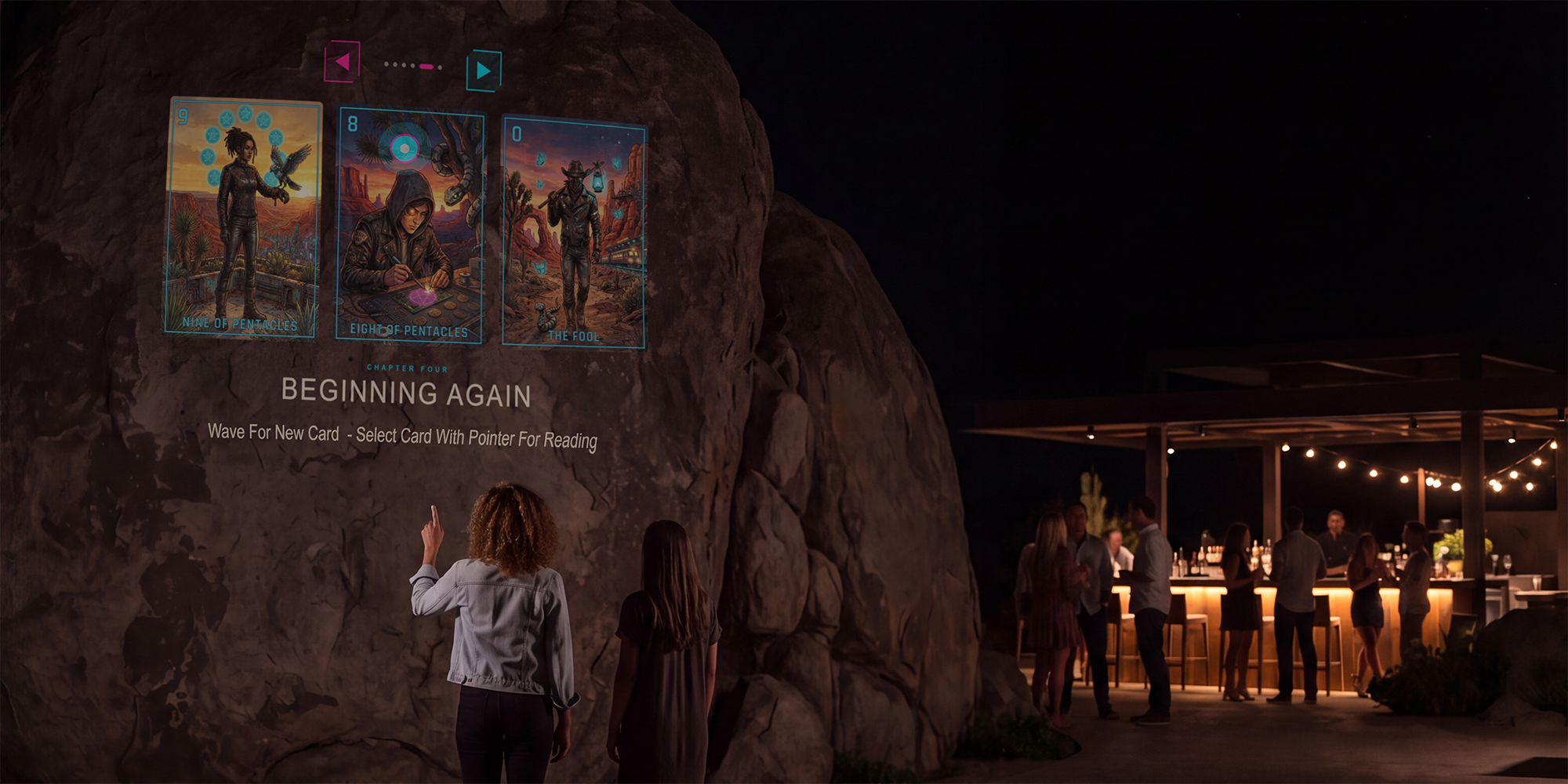
Computer Vision Development
Software that lets people control screens and content with natural movement, no touching, no controllers, no wearables. Our computer vision systems power hands-free kiosks, interactive walls, live performance visuals, and motion-driven installations built for public spaces: reliable all day, private by design, with no video recorded and nobody identified.
TouchFree 3D Design Studio
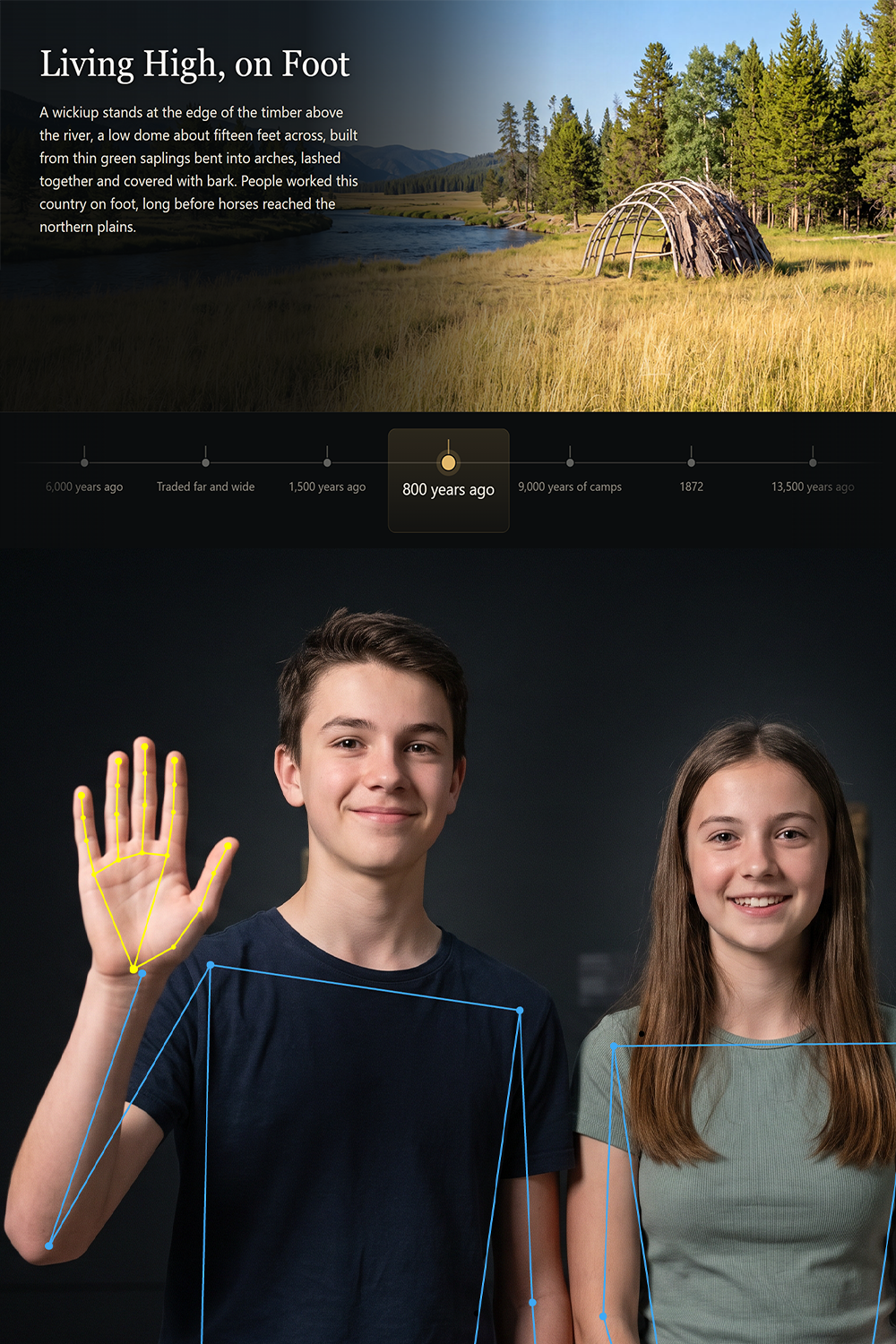
We dialed in beautiful low-latency body, hand, and face tracking pipelines with 60 Frames a second, smoothed, and 3D optimized with bone rotation for amazingly accurate and smooth motion data from a single USB camera.
Finally, commercial quality, reliable camera based interaction.
The TouchFree Interaction Studio dashboard manages the cameras, computer vision, and the output to screens or to other software. All with easy to use settings to run a public facing, professional quality hand, body, and face interactive experience.
Then the software runs immersive and interactive experiences with its built in commercial grade display and output to other professional creative software, like Unity, Resolume, OBS, TouchDesigner, and others with real-time data and video output.
Have a show, an exhibit or an installation that needs a reliable WOW factor?
TouchFree is the Design and Commercial Delivery Solution
Let’s visit, we can design and build the interactive experience for you, or coach you through creating amazing experiences with the TouchFree 3D Design Studio.
Camera Control
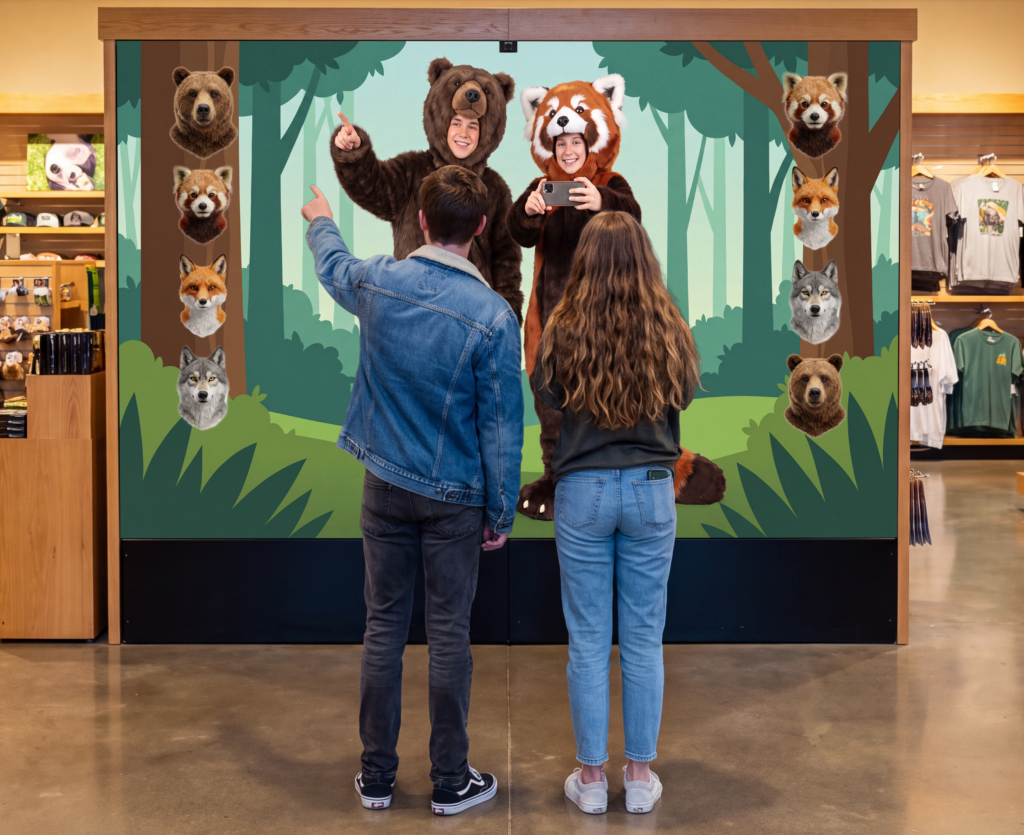
With a gimbal camera, TouchFree follows whoever has control, so nobody has to stand on a mark. Hand, Body, and Face data can be used to control interactive content.
Limitless Creative Potential
Load any web page, stored on the machine or online. Build it in your favorite AI, Canva, Figma, or Claude. Tutorials and samples are included.
Built for Public Spaces
Experiential Installations and live performances that need a wow factor. Public installations, convention exhibits, hotel and resort lobbies, Information kiosks, galleries, retail windows, corporate campus. No video leaves the machine, nothing is recorded, and nobody is identified.